 ElvenFlow
Realistic Threads Generator
Recreate real or fake Threads posts for free.
Ready to post it for real?
ElvenFlow writes with you, fills your week, and sends your posts at the times your readers are around.
Join 430+ creators growing on Threads
















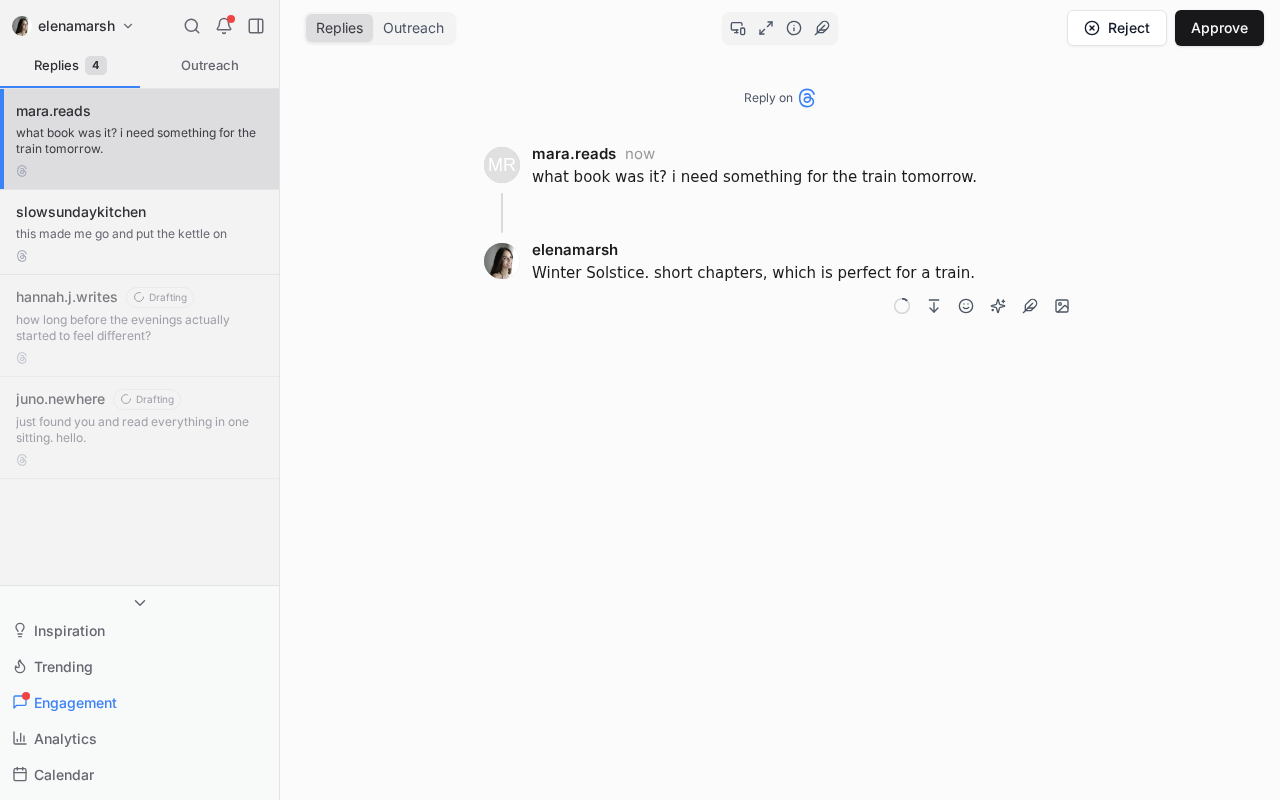
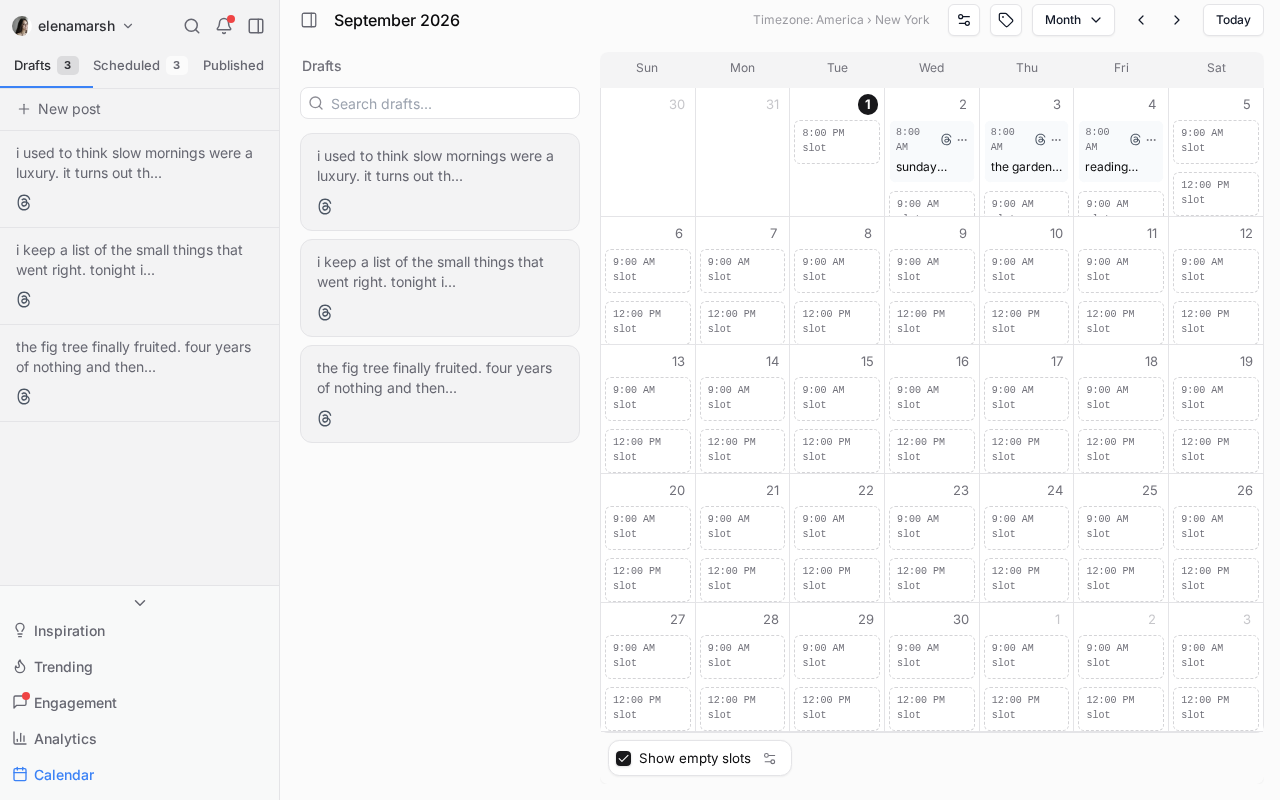
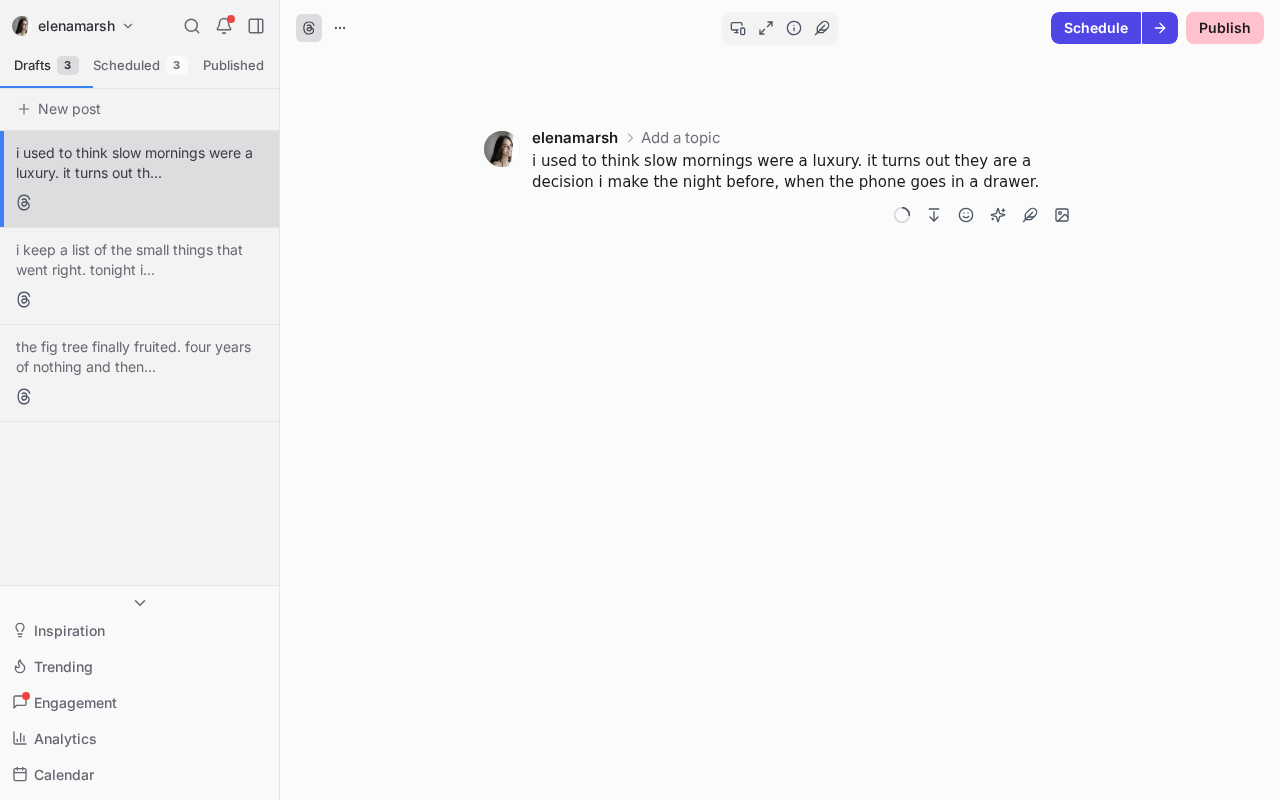
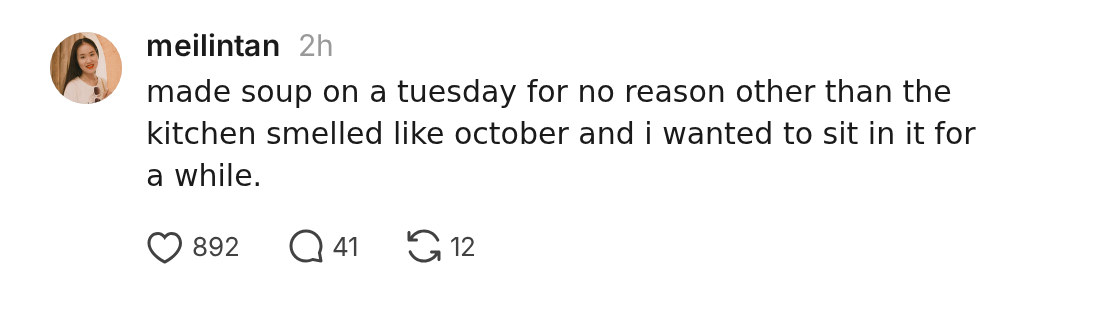
Mockups made with this tool
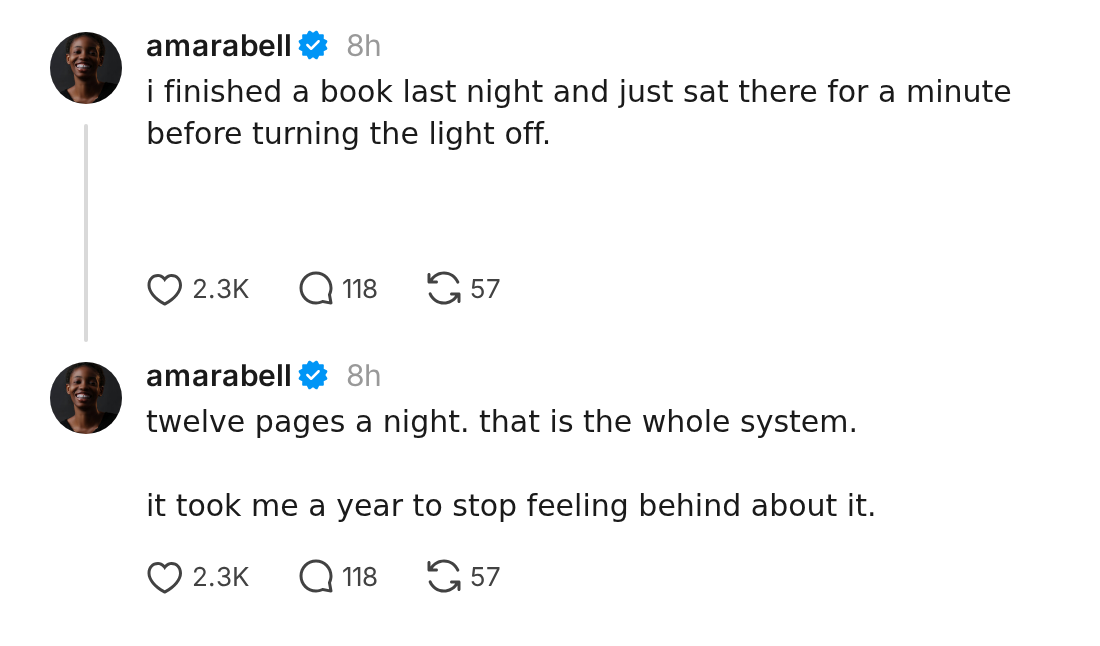
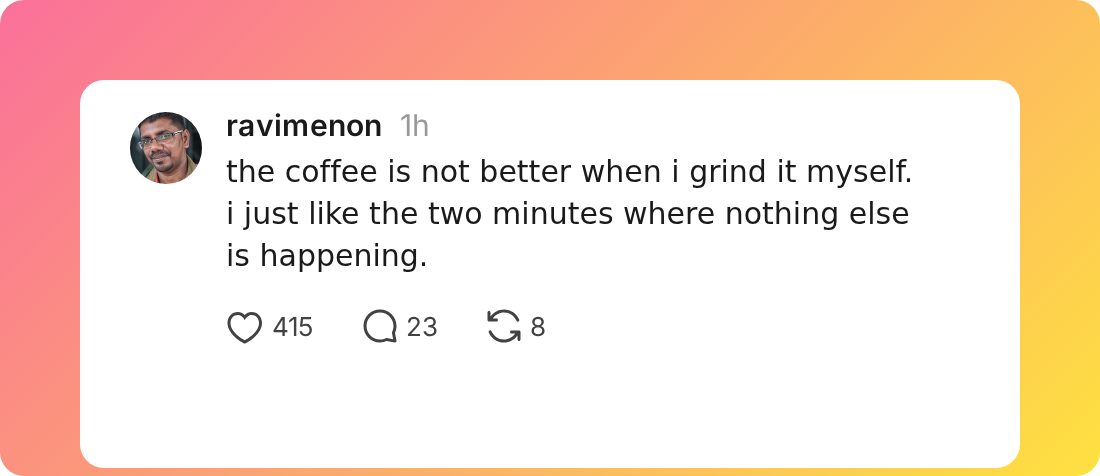
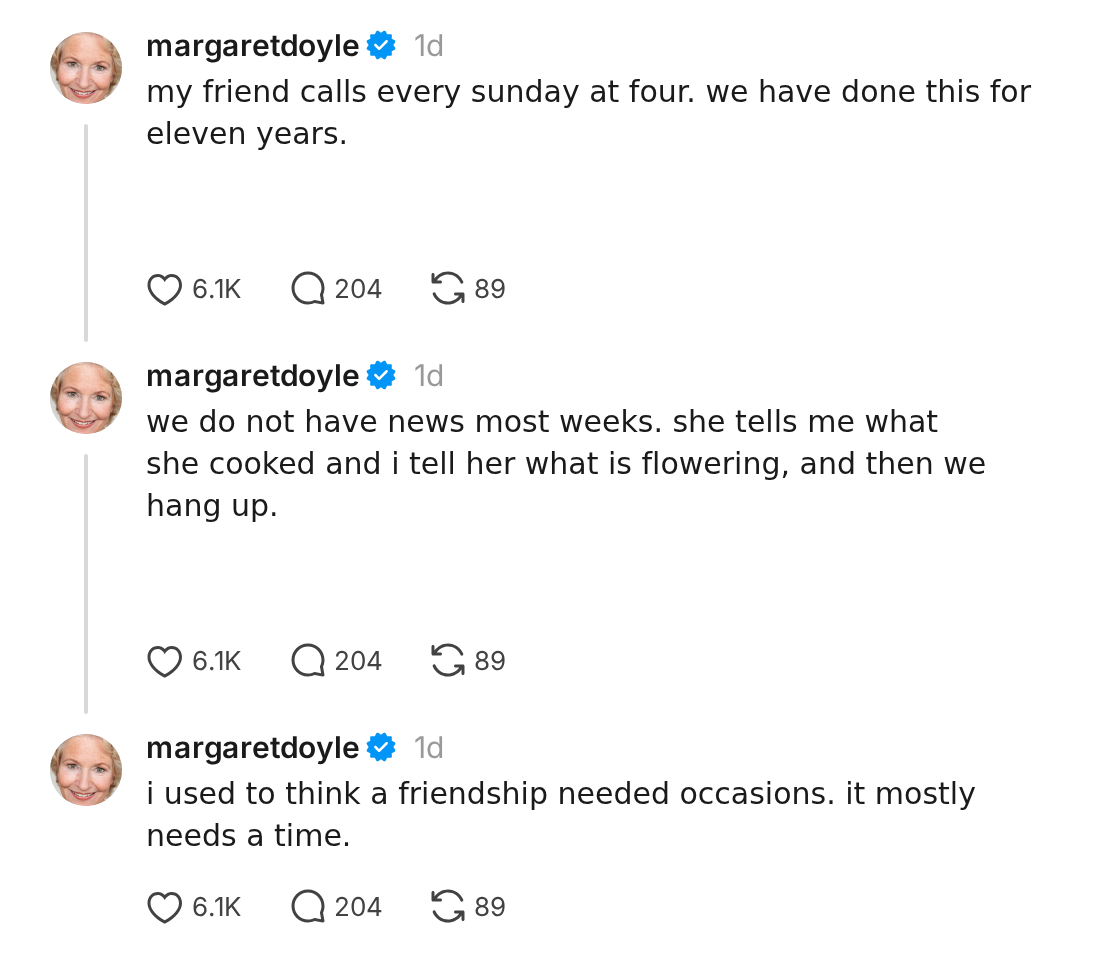
Every one of these came straight out of the generator. Nothing was touched up afterwards.
How it works
See it before you post it
Click into the preview and type. The count next to each post follows along and turns red the moment you pass 500 characters, so you can trim it while the wording is still fresh. Read more about the Threads character limit and what counts toward it.
Make it look like yours
Set the name, the username, and the profile picture. Add a verified badge, pick the date and time you want on it, and fill in the likes, replies, and reposts, or hit Randomize and let the tool pick numbers that look real.
Save it as a picture
Copy the image straight to your clipboard, or download the PNG. Drop it into a carousel, a slide, a landing page, or a newsletter. Nothing is uploaded and nothing is saved.
Writing more than one at a time? A Threads scheduler lets you line up a week of posts and sends them at your best times to post.
Common questions
How many characters can a Threads post be?
A Threads post can be up to 500 characters. This previewer has a character counter built in, so it counts as you type and turns the count red once you go over, and you can trim before you post. There is more on what counts and what does not in our guide to the Threads character limit.
How do I split a long post into a thread?
Press Enter three times where you want the break, or hold Ctrl and press Enter. The rest of your writing moves into a second post below the first, exactly the way a thread looks on Threads. You can keep going for as many posts as you want.
Can I make a Threads post mockup or screenshot?
Yes. Set your name, username, and picture, add likes and replies if you want them, then click Download. You get a PNG of the post you just wrote, ready to drop into a carousel, a slide, or a newsletter.
Can I recreate a real Threads post?
Yes. Type the same words, set the name, username, and picture to match, pick the date and time, and fill in the counts. You get a clean copy of the post you are looking at, without the browser bars and clutter of a screenshot. The tool never reaches out to Threads, so what you see is only ever what you typed in.
Is it legal to make fake Threads posts?
Making a mockup is fine for design work, drafts, teaching, and jokes, the same way a wireframe or a parody image is fine. Passing one off as something a real person actually said is not. Do not use this to impersonate anyone or to pass off something untrue as real, and say so when a post is made up.
Can I use the images anywhere?
Yes. The images are yours to use in a carousel, a slide deck, a landing page, an ad, or a newsletter. There are no marks on them, and you can make as many as you like.
Is this free?
Yes. It is free, there is no sign up, and there is no limit on how many posts you preview or download.
Does anything get posted to Threads?
No. Nothing is posted and nothing is saved. Everything you type and every picture you add stays in your browser, and it is gone when you close the tab.
Post it for real with ElvenFlow
Write in your own voice, fill your week on autopilot, and see exactly what makes you grow.
Join 430+ creators growing on Threads